SCAN
Scanner Tools
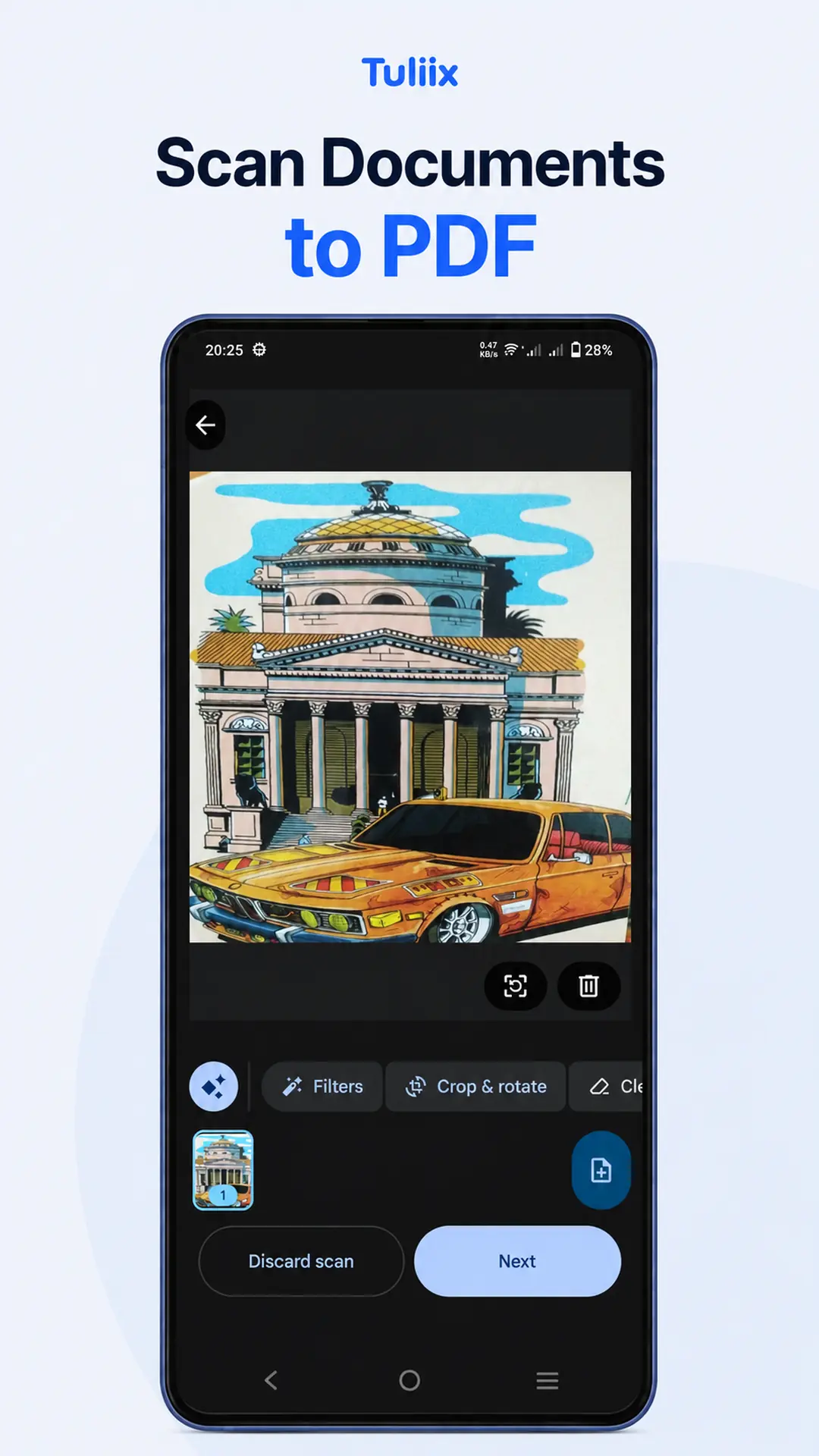
Scan documents from the camera or gallery, adjust pages and create clean PDF files.
Turn handwriting into editable text, scan documents, manage PDFs, edit images, create QR codes, use calculators and quickly access your favorite tools—all in one clean Android app.
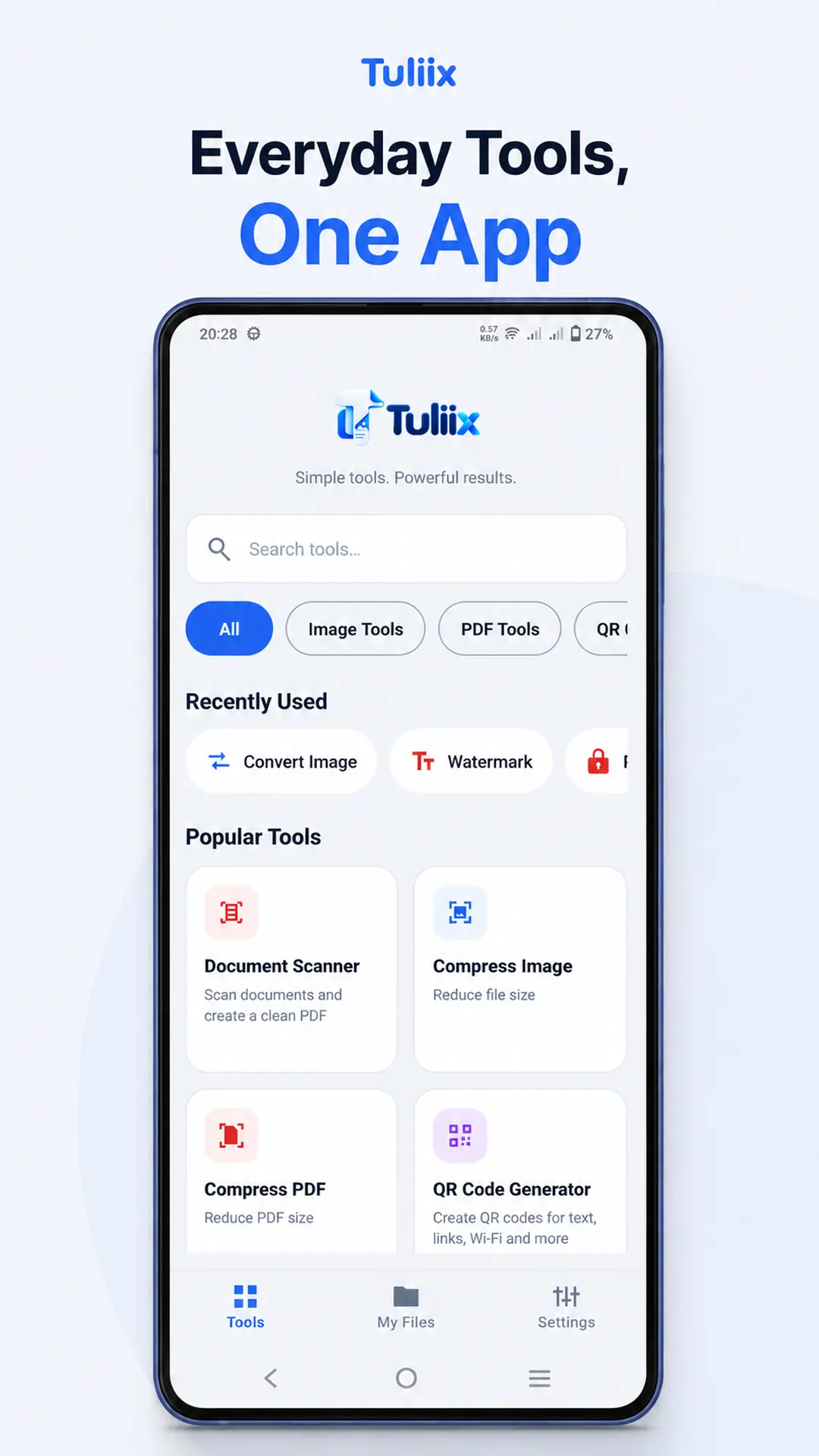
Choose the tool you need, finish the task quickly and save or share the result when you want.
Scan documents from the camera or gallery, adjust pages and create clean PDF files.
Recognize handwritten or printed notes from images and PDFs, edit the result and export it as PDF or PNG.
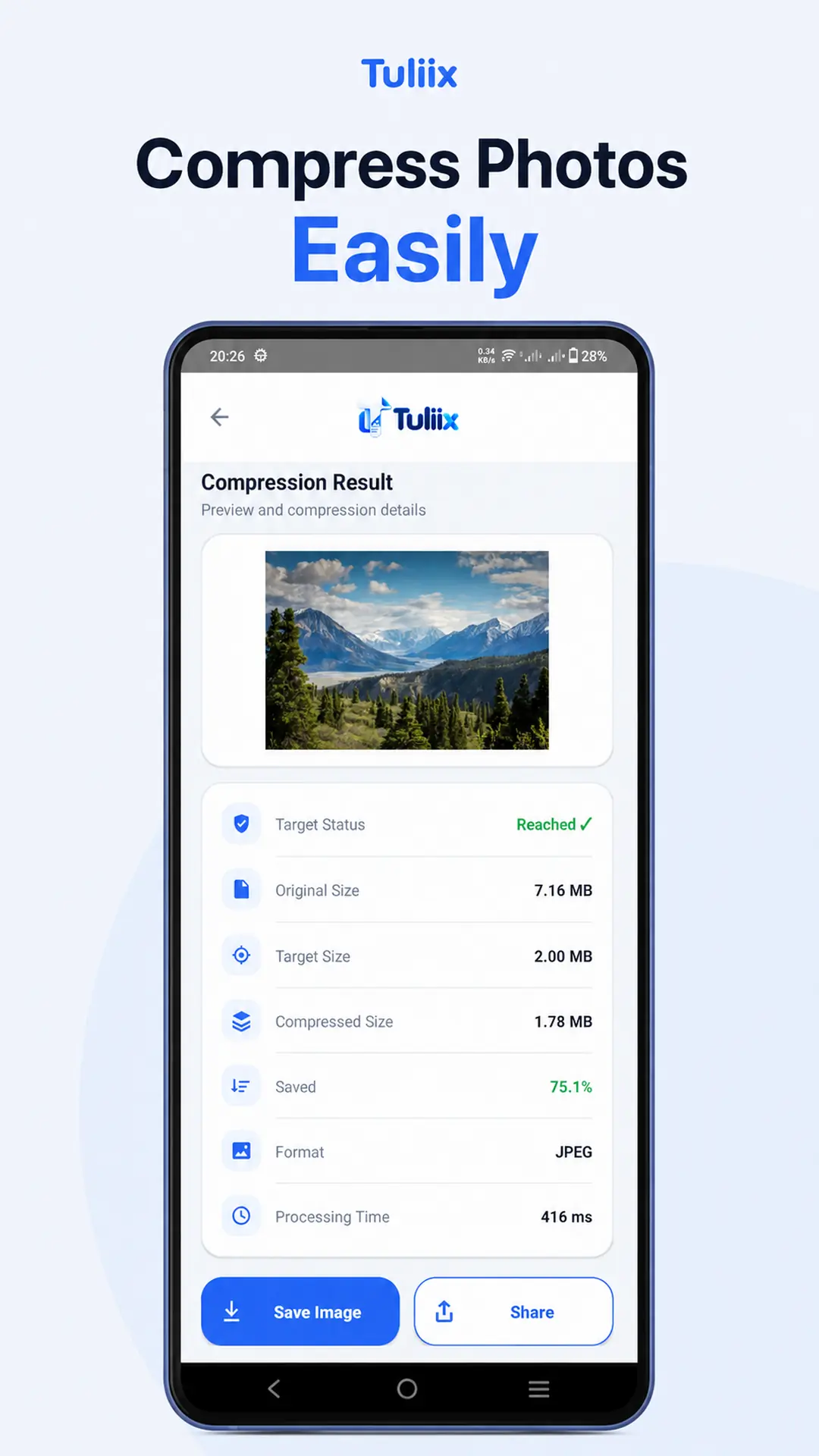
Compress, resize, crop, rotate and convert images into supported formats.
View, compress, merge, split, organize, resize, watermark and protect PDF documents.
Create QR codes for useful content and scan QR codes or barcodes.
Use practical EMI, BMI, percentage, GST, investment and everyday calculators.
Most Tuliix image, PDF, scanner, QR and offline OCR operations run on your device. Cloud AI is used only when you explicitly choose AI-powered handwriting recognition.
Reopen supported files saved through Tuliix, keep frequently used tools in Favorites and jump back into recently used tools faster.
Swipe through the Tuliix experience and explore its everyday file tools.
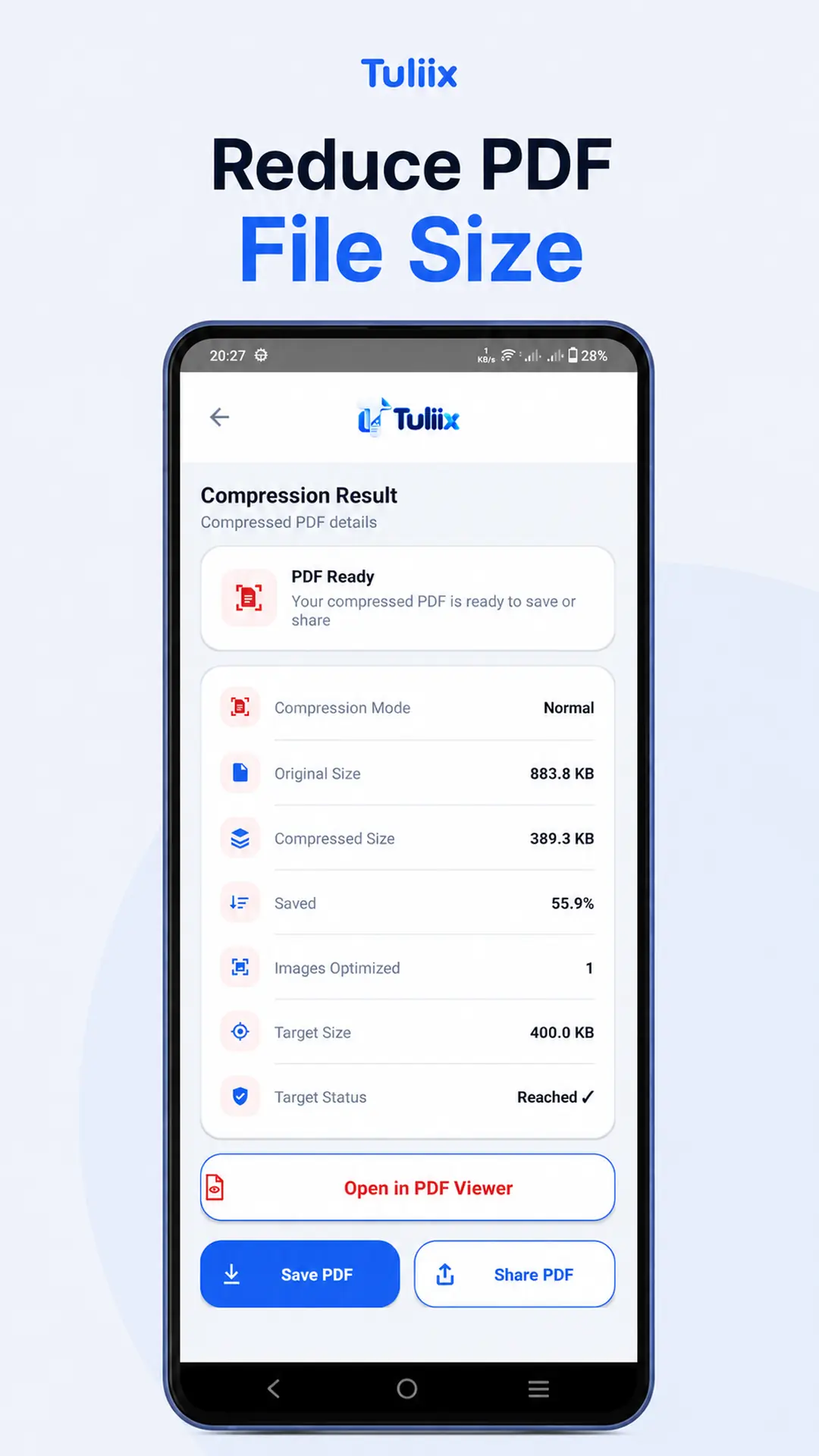
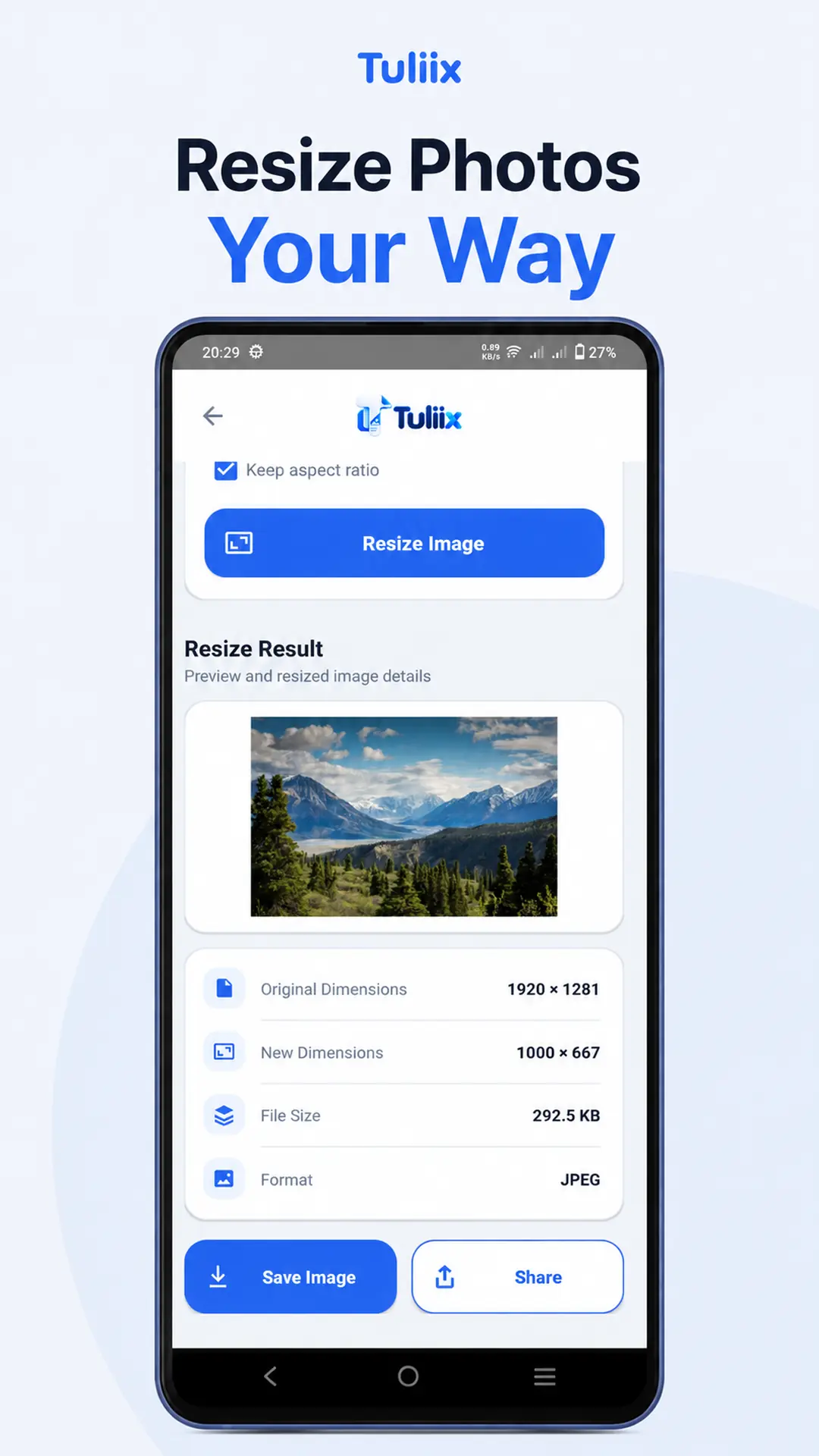
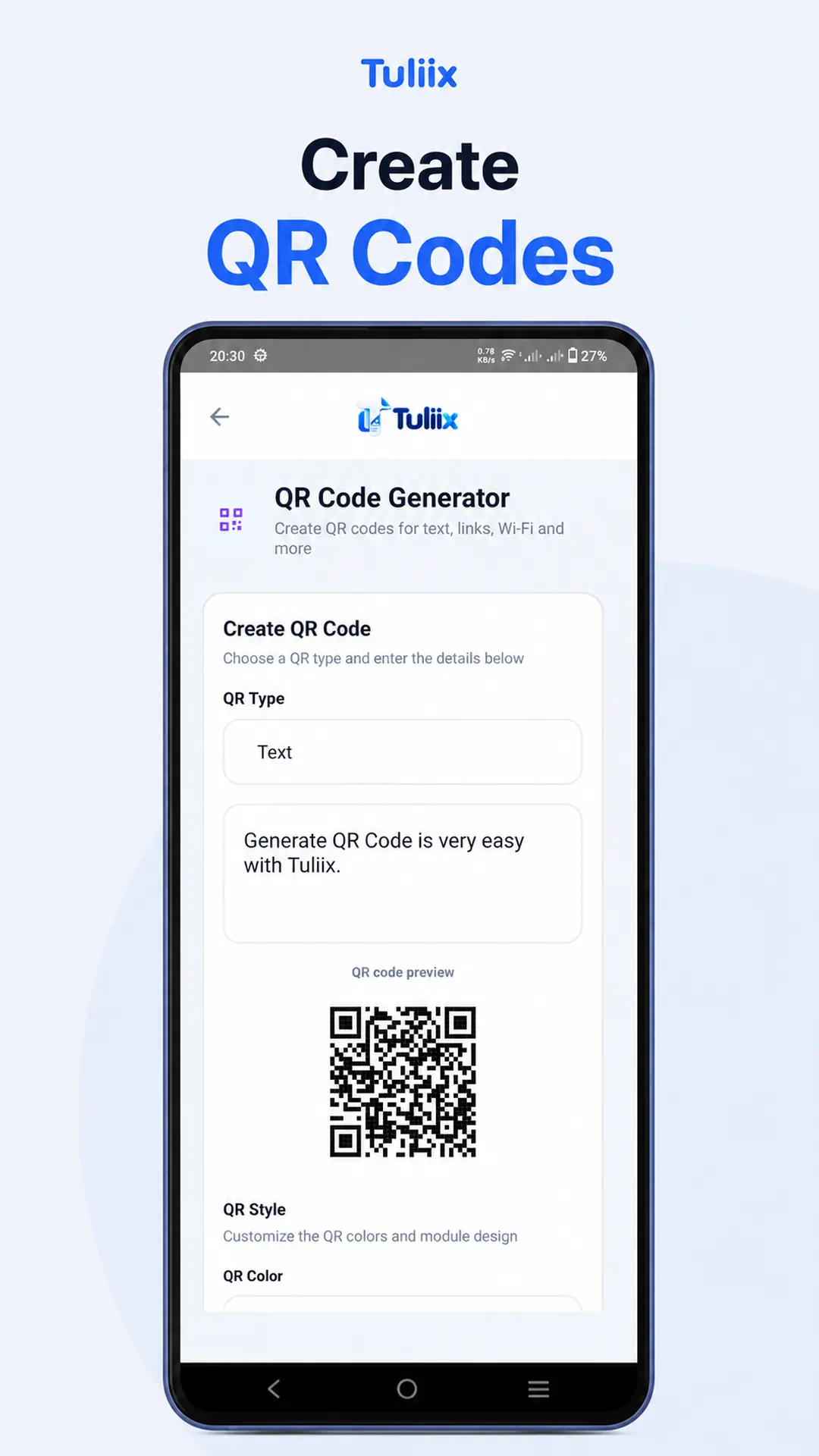
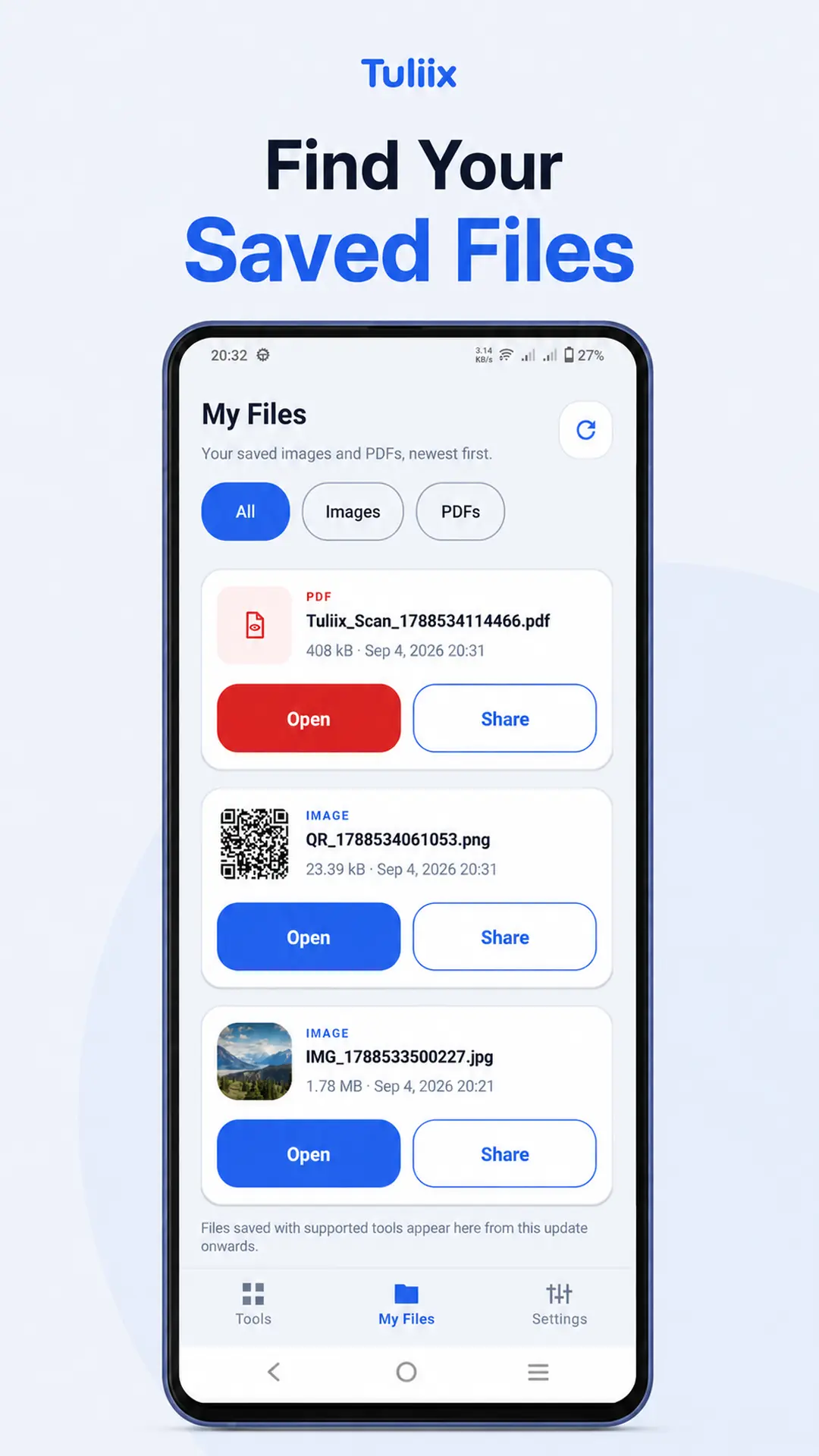
Get Handwriting to Text, Scanner Tools, PDF utilities, Image Tools, Favorites and more from Google Play.
Effective date: October 2, 2026. Tuliix is developed by Codiq.
Tuliix is developed by Codiq.
Tuliix provides image, PDF, document scanning, handwriting-to-text, QR code, and calculator utilities. It also allows users to view supported files, access files saved through the app, mark favorite tools, and quickly reopen recently used tools.
This Privacy Policy explains how information is accessed, processed, collected, stored, and shared when you use Tuliix.
Most image and PDF operations in Tuliix are processed locally on the user's device. The optional AI-powered Handwriting to Text feature is an exception and is described separately in Section 4.
Tuliix accesses files for user-requested operations such as image compression, resizing, conversion, image viewing, PDF viewing, merging, splitting, compression, watermarking, document scanning, offline text recognition, and other supported tools.
Tuliix may also access previously saved files listed in My Files to display image previews and support viewing or user-requested sharing.
You do not need to select the same file again each time when the app still has permission to access it.
Tuliix may receive a PDF file when the user chooses "Open with Tuliix" or "Share to Tuliix" from another application.
File access is provided through Android permissions. These permissions may be temporary or persistable, depending on the operation and the file provider.
Pages captured or imported through the Document Scanner are processed on the device and may be combined into a PDF.
User-selected images, PDF files, scanned pages, and generated scanned PDFs are not uploaded to Codiq servers. If the user explicitly chooses AI-powered handwriting recognition, selected page content may be transmitted to Google's AI services for processing as described in Section 4.
Processed output files and scanned PDFs are saved to the user's chosen destination when the user chooses to save them.
Temporary working files may also be created during processing, scanning, viewing, or sharing.
The My Files feature displays supported output files saved through Tuliix and recorded in its local file history.
To provide this feature, Tuliix stores information about saved files in application storage on the device. This information includes:
This local history helps Tuliix list, open, and share saved files. Recording a history entry does not create an additional copy of the original file.
Where supported by Android and the file provider, Tuliix may retain read permission so that a saved file can be opened again later.
Access may stop working if a file is moved or deleted, or if its permission is revoked.
Tuliix may read saved images to generate small thumbnail previews in My Files.
These previews are generated on the device and may be held temporarily in memory.
The Image Viewer accesses images to display them and support features such as zooming, swiping, and next or previous navigation.
Generating previews and viewing images do not modify the original files.
Tuliix stores a local list of favorite tools and recently opened tools so users can quickly access them again.
These lists record tool identifiers rather than the contents of the images or documents processed by those tools.
Tuliix does not upload its My Files history, locally generated image thumbnails, favorite tool list, or recently used tool list to Codiq servers.
Separate information about tool usage may be collected through Firebase Analytics as described in Section 6.
Tuliix requests camera access when the user uses the QR Scanner feature.
The camera preview is used to detect QR codes and barcodes.
QR Scanner camera preview frames are processed on the device.
Tuliix does not save these preview frames as photos or videos or upload them to Codiq servers.
Users can deny or revoke Tuliix's camera permission through their device settings.
The Document Scanner feature is powered by Google ML Kit through Google Play services.
It may allow users to capture document pages with the camera or import pages from the gallery, crop or rotate pages, apply filters, reorder pages, and create a PDF.
According to Google, the document scanning flow runs on the device and uses the camera permission of Google Play services.
Scanner components, models, and interface resources may be downloaded through Google Play services.
Scanned pages returned to Tuliix are used to provide the requested scanning, preview, saving, and sharing features.
They are not uploaded to Codiq servers.
Google states that ML Kit processes input content, such as images, video, and text, on the device without sending that content or its processing results to Google servers.
ML Kit also sends API usage and performance metrics to Google.
Google uses this technical information to operate, troubleshoot, maintain, and improve its APIs and to detect misuse or abuse.
ML Kit may contact Google servers to obtain updates and related resources.
This technical SDK data processing is separate from the local processing of your images and documents.
For more information, please visit:
Google ML Kit Document Scanner
Google ML Kit Terms and Privacy
Tuliix includes a Handwriting to Text feature that can recognize handwritten or printed text from user-selected images and PDF pages.
When the user chooses the offline recognition option, text recognition is performed on the device using Google ML Kit text recognition components.
The image or PDF page content used for offline OCR is not sent to Codiq servers for text recognition. Google Play services or ML Kit components may contact Google servers to obtain models, updates, or related technical resources.
When the user explicitly chooses the AI-powered recognition option, Tuliix sends the selected page content together with instructions needed for recognition to Google's Gemini service through Firebase AI Logic.
The transmitted content may include the visible text, handwriting, images, or document content present on the selected page. This processing is necessary to generate the requested AI recognition result.
Tuliix does not send AI recognition requests to a Codiq-operated document storage server. The request is processed through Firebase AI Logic and Google's applicable Gemini API infrastructure.
The recognized result is returned to the app, where the user can review or edit it and may choose to save or export it as PDF or PNG.
Before cloud-based AI recognition is used for the first time, Tuliix displays information explaining that selected content will be processed using an external Google AI service and asks the user to confirm before continuing.
Users are not required to use cloud AI recognition. Where available, they may choose the offline OCR option instead.
Google's handling, use, and retention of AI requests and responses depends on the applicable Firebase AI Logic and Gemini API terms, service configuration, and billing status of the service used by the app.
Users should avoid submitting highly sensitive or confidential content to cloud AI recognition unless they are comfortable with that content being processed by Google's AI service.
Tuliix uses Firebase App Check and related Google integrity services to help protect AI requests from unauthorized use or abuse. Technical app or device integrity information may be processed by Google for this purpose.
For more information, please visit:
Firebase AI Logic Data Governance
Tuliix uses Google AdMob to display advertisements.
The Google Mobile Ads SDK collects and shares technical information with Google for advertising, analytics, and fraud prevention.
Depending on SDK configuration and applicable privacy choices, this information may include:
This advertising-related information may be transmitted off the device.
It is separate from the images, PDFs, scanned documents, and local file history that Tuliix processes for its utility features.
Tuliix uses Google's User Messaging Platform (UMP) to request and manage advertising consent where required.
For more information about Google's privacy practices, please visit:
How Google uses information from sites or apps that use its services
Tuliix uses Google Analytics for Firebase, a service provided by Google, to understand how users interact with the app and improve its features, usability, and overall experience.
Firebase Analytics helps Codiq understand which tools are used, how users navigate the app, and how app features are performing.
Depending on the SDK configuration, user settings, and applicable privacy choices, Firebase Analytics may automatically collect information such as:
This information may be transmitted to Google for analytics processing.
Tuliix may also record custom events related to app features and user interactions.
These events may include:
Custom event parameters may include predefined tool names, tool categories, file types, source tools, and page counts.
Tuliix does not intentionally include the following information in its custom analytics events:
Custom analytics events are intended to measure feature usage rather than collect the contents of user documents or calculations.
Analytics information is used to:
Firebase Analytics information may be processed and stored by Google according to the applicable Google Analytics terms, privacy practices, and data retention settings.
For more information about Firebase Analytics and Google's data handling practices, visit:
Where required, Tuliix displays a privacy or consent message before requesting advertisements.
When Google's consent platform requires a privacy options entry point, Tuliix provides a Privacy Choices option in the app's Settings screen so users can review or change their choices.
Advertising consent and Analytics data collection are separate matters. Changing advertising privacy choices does not necessarily disable Firebase Analytics.
Analytics collection may be controlled according to the app's configuration and applicable consent requirements.
Cloud AI recognition has a separate first-use confirmation. Choosing not to use AI recognition does not prevent the user from using other Tuliix tools or the available offline OCR option.
Users can also manage Tuliix's device permissions through Android's app settings.
Denying a permission may prevent a feature that needs that permission from working.
When a user selects a Share option, Tuliix uses Android's system sharing interface.
Depending on the feature, the shared content may be a supported file or the Tuliix app link and accompanying message.
The user chooses which external application or service receives the shared content.
When sharing a file, Android may grant the receiving application permission to read that file.
Tuliix does not control how third-party applications or services handle content after it is shared. Their own privacy policies apply.
If you choose to open a website or another application, including a link obtained from a QR code, that website or application may handle information according to its own privacy practices.
Tuliix does not currently require users to create an account.
Codiq does not maintain a remote database containing user-selected images, PDF files, scanned documents, QR Scanner camera frames, generated QR content, My Files history, favorite tool lists, or recently used tool lists. Content submitted to the optional AI recognition feature is processed by Google as described in Section 4.
This does not mean that third-party SDKs process no information.
Information processed by Google ML Kit, Firebase AI Logic, the Gemini API, Firebase App Check, Google Play services, Google AdMob, and Firebase Analytics is described in Sections 3 through 7.
Files saved to shared locations, such as Pictures, Downloads, Documents, or a user-selected folder, remain there until the user deletes them or the storage provider removes them.
Clearing Tuliix's application data or uninstalling Tuliix does not normally delete files saved in shared storage.
Users can delete those files separately using their file manager, gallery, or the application managing that storage location.
My Files history, favorite tool list, and the recently used tool list are stored in application storage.
Users can remove this local information by clearing Tuliix's storage or application data through Android settings.
Clearing application data also resets app settings and removes app-managed local data.
Clearing the cache alone is not the same as clearing application data and may leave history records intact.
Removing local history does not itself delete the corresponding output files saved in shared storage.
Temporary working files may remain in application storage until they are removed by Tuliix, Android, clearing application data, or uninstalling the app.
Image thumbnails held in memory are temporary and may be discarded when the app releases its preview cache or its process ends.
Tuliix does not store user-selected images, PDF files, scanned documents, or its local file history on Codiq servers.
Advertising, analytics, integrity, AI, and technical data processed by Google AdMob, Firebase Analytics, Google ML Kit, Firebase AI Logic, the Gemini API, Firebase App Check, or Google Play services may be retained or processed according to Google's applicable terms, privacy policies, service configuration, billing status, and service-specific retention settings.
Clearing Tuliix's local application data or uninstalling the app does not itself delete information already processed or stored by these third-party services.
For questions or requests concerning information processed through Tuliix, users may contact Codiq using the email address provided below.
Tuliix does not knowingly collect personal information directly from children.
Advertising, analytics, and privacy settings may be applied according to applicable laws and Google Play requirements.
If you believe that a child has provided personal information directly to Codiq, please contact us using the email address below so we can review the concern.
Most supported image, PDF, document scanning, QR, and offline OCR operations are performed locally on the user's device. AI-powered handwriting recognition is an optional cloud-processing feature and sends selected page content to Google's AI service as described in Section 4.
Tuliix uses Android's file access and sharing mechanisms to access supported files and provide user-requested functionality.
Third-party SDKs may transmit technical, advertising, analytics, integrity, and AI-processing information to Google as described in this Privacy Policy.
We take reasonable measures to minimize unnecessary transmission of user files and protect information handled by the application.
However, no method of electronic storage or transmission can guarantee absolute security.
Users should consider which applications or services they choose when sharing files, particularly documents containing sensitive or personal information.
This Privacy Policy may be updated when Tuliix adds, removes, or changes features, permissions, data handling practices, or third-party services.
The October 2, 2026 update adds information about Handwriting to Text, offline OCR, AI-powered recognition, Firebase AI Logic, the Gemini API, Firebase App Check, Favorites, and related data handling. It also clarifies which operations are processed locally and which optional AI operations require cloud processing.
Updated versions will be published on this page with a revised effective date.
If you have questions about this Privacy Policy or how information is handled by Tuliix, contact:
Codiq
Email:
help.codiq@gmail.com